
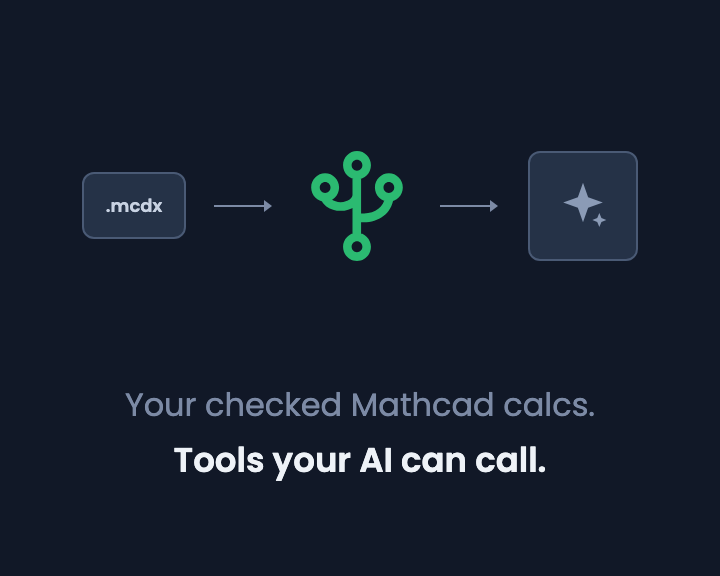
Most engineering firms are sitting on years of Mathcad worksheets: beam checks, footing designs, connection calcs, each one written, checked and used on real projects. That's your firm's method, in a form someone has already verified.
Now everyone has an AI assistant open in the next tab. It's good at reading a brief, pulling numbers out of a report and reasoning about what to check next. It's much less reliable at arithmetic, units and following your firm's way of doing a calc. So the obvious question: can the AI use the worksheets you already trust, instead of making up its own maths?
Not while they're Mathcad files. But you can get there in an afternoon.
Why an AI can't use your Mathcad worksheets today
Mathcad Prime is a Windows desktop app, and a worksheet is a .mcdx file on a drive. PTC does offer an automation API for Prime, but it scripts the desktop app on one Windows machine. There's no hosted endpoint that Claude, ChatGPT or any other assistant can call with inputs and get a result back.
The workaround people try is pasting the worksheet, or a PDF of it, into a chat and asking the AI to "use this method". That gets you an LLM re-deriving your calc from scratch every time:
- It can quietly drop a factor, swap a unit or round a step differently, and nothing tells you it did.
- You can't check which version of the method it used, because there isn't one, just a fresh guess each time.
- The next engineer who asks gets a slightly different answer.
For a hand calc you'd sign, that's not good enough. You want the AI to do the reasoning and something deterministic to do the maths.
The answer: turn each worksheet into a CalcTree page
A CalcTree page is a live calculation: inputs, equations with real units, outputs and checks, evaluated by CalcTree's engine on a server. Because it runs on a server with an API, any software can call it, including an AI assistant.
With the CalcTree LLM Skill installed, your AI can find the pages in your workspace, run them with its own inputs, and read back the results. The numbers come from your verified calc, not the model. As we put it in the skill: it does the reasoning, CalcTree does the maths.
So the route from Mathcad worksheet to AI skill is four steps.
1. Convert the worksheet
Create a new CalcTree page and choose Import from Mathcad, then select your Mathcad Prime .mcdx file. Variables, equations, units and results come across as a live, editable page. Mathcad 15 .xmcd files need re-saving as .mcdx in Prime first. The details are in how to convert Mathcad files to CalcTree.
Got a library of worksheets, or one that won't come across cleanly? Send us your Mathcad files and we'll convert them for you.
2. Check it and sign it off
This is the step that makes the AI trustworthy, so don't skip it. Run the converted page with the same inputs you used in Mathcad and confirm the outputs match. Then have it checked the way you'd check any calc: reviews happen in the workspace, with version history and a record of who checked what. Lock the page so the logic can't drift.
Now you have one verified version of the method, and that's the version every person and every AI will use.
3. Connect your AI
You need an API key from your workspace settings and the skill file:
- Claude (claude.ai and desktop): upload the skill zip under Settings > Features, and turn on network access.
- Claude Code: install the CalcTree plugin from the calctree-skills marketplace.
- ChatGPT and Gemini: attach the skill document to your conversation.
- Cursor, Codex and other coding agents: point them at the AGENTS.md file in the calctree-skills repo.
The setup docs walk through each one. The API is on the free plan.
4. Ask it to use your calc
Now you just ask. For example:
Size the steel beam for the plant room in the attached brief. Use our simply supported beam check, and tell me whether the 310UB40 works.
The AI reads the brief, works out the loads, finds your beam page, runs it with those inputs and reads back the bending moment, deflection and pass or fail. If the inputs need changing, it runs the page again. You can open the page and see exactly what it ran.
What else this opens up
Once your worksheets are CalcTree pages, the AI can do more than call them:
- Build new calcs from a prompt. Describe a check in plain English and the AI builds a live page with inputs, formulas, units and pass or fail checks, ready for an engineer to review.
- Export a report. Ask for a PDF and get a formatted report with a title page, contents and maths notation, without leaving the conversation.
- Review against documents. CalcTree AI checks a calc against the design basis, site report or standard uploaded to the page.
And the same verified page isn't only for AI. Engineers use it in the browser, the Excel add-in runs it across a spreadsheet of cases, and the API runs hundreds of cases in one request. One checked method, used everywhere.
A few things to know
- Want a hand setting it up? The CalcTree LLM Skill page covers each AI tool, or talk to our team and we'll get it running with you.
- Check what the AI sends. The maths is deterministic, but the inputs come from the AI's reading of your brief. Treat its inputs the way you'd treat a graduate's: check them before you rely on the result.
- Start with the calcs you use most. Convert and verify five or ten, connect your AI, and add more as people ask for them.
Frequently asked questions
Can ChatGPT or Claude run my Mathcad worksheets?
Not directly. Mathcad Prime runs on a Windows desktop and has no hosted endpoint an AI assistant can call. Convert the worksheet to a CalcTree page and the AI can run it through the CalcTree LLM Skill.
Do I have to rebuild my worksheets?
No. The converter imports Mathcad Prime .mcdx files as live pages. You check the result against the original, but you don't retype the calc.
Does the AI do the maths?
No. The AI chooses the inputs and reads the results; CalcTree's engine does the calculation with real units. That's the point: the numbers come from a calc your team has checked.
Which AI tools work with it?
Claude, ChatGPT, Gemini, Cursor and any assistant or agent that supports skills or tool use.
Is it free?
The API, the Excel add-in, Python and an AI allowance are all on CalcTree's free plan. Paid plans are US$14 to US$34 per user per month, and give you more pages than the free allowance plus more in-app AI tokens.
Want to try it on your own work? Send us a Mathcad worksheet and we'll convert it and set it up as a tool your AI can call, or try CalcTree free.

.png)




