
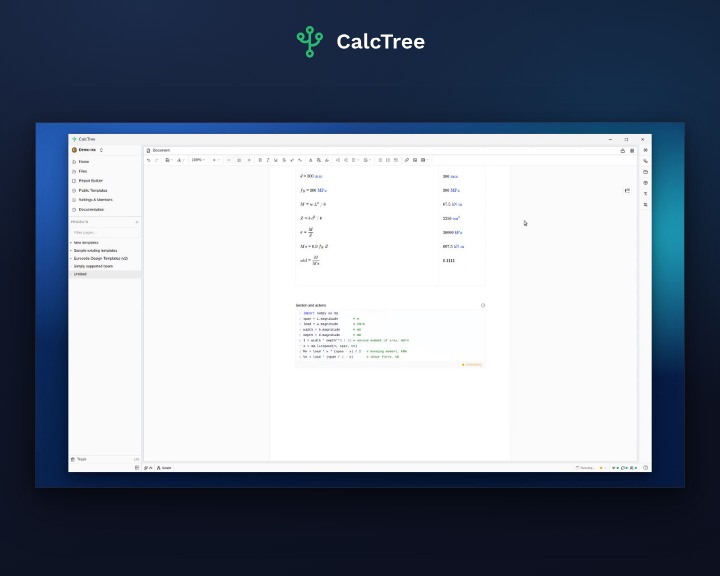
You can now drop live Python straight into a CalcTree page. Inline Python cells sit in the page next to your calculations, read the variables already on the page by name, and place their output wherever you want it.
Python, in the page
Add an inline Python cell from the insert menu, the same way you add a heading or an equation. Write ordinary Python, import the libraries you rely on, and reference any variable defined elsewhere on the page just by its name. There is nothing to wire up.
Cells share scope, like a notebook
Every cell on a page shares one scope, so a value you define in one cell is ready to use in the next. Build a calculation up in clear, readable steps, plot with matplotlib, and drop the chart, or any other result, onto the page.
Everything stays connected
Because the cells reference your page variables, they join the same dependency graph as the rest of the page. Change an input and the cells recompute along with everything else. Open the graph to see how each value flows through, and click a node to jump straight to it in the page.
Made for real engineering
Inline Python cells understand units. A page variable that carries units arrives in Python as a quantity you can use directly, so your code stays consistent with the rest of the calculation. In the walkthrough above we take an AS 4100 steel beam check and extend it with a couple of cells that draw the bending moment and shear diagrams.
Inline Python cells are available now. Open a page, add a cell, and build on what you already have.



