
Most engineering offices still record a check the same way they did twenty years ago. A "checked by" cell in a spreadsheet with someone's initials in it. A thread of review comments in email. A marked-up PDF on a shared drive. Each one tells you that somebody looked at something, at some point. None of them tells you which version they looked at, or whether the calc has changed since.
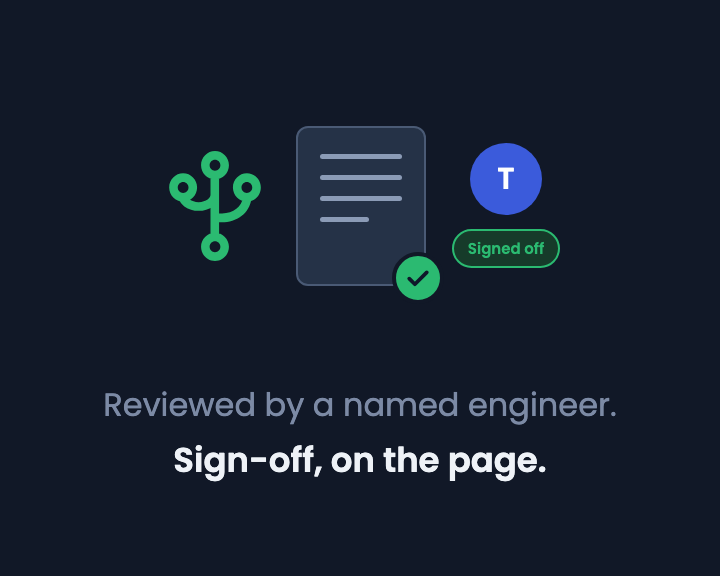
Page reviews put the sign-off on the calculation page itself. You ask a colleague to review, the page freezes at a captured version, they comment, you reply, and they approve or send it back. The record of who reviewed what, and when, stays on the page.
Why "checked by" stopped being enough
The check is the step that makes a calc issuable. The trouble is that the record of the check usually lives somewhere other than the calc.
Initials in a spreadsheet cell don't change when someone edits a formula after the check. A comment in an email doesn't point at the line it is about, so the author has to find it, and the next person to open the file never sees it. A marked-up PDF is a snapshot of one moment, and the live calc moves on without it.
For an engineering manager, that means the question "has this been checked?" has no reliable answer without asking around. For a checker, it means their review is easy to lose and easy to outdate.
How page reviews work
Everything happens in the Reviews panel in the right sidebar.
Request a reviewer
Click + Add reviewer and pick someone in your workspace. You can add several reviewers to the same round. The page freezes and a banner reads "This page is locked waiting for review." Each reviewer's card shows a Pending badge and Version 1 · calc pinned. The version is captured at the moment you ask, so the author and every reviewer are looking at the same thing.
The reviewer comments
The reviewer selects any text on the page and presses Cmd+Option+M (Ctrl+Alt+M on Windows) to comment on it. Their comments become a work list on their card, each with the quoted text and a Go to comment link, so nothing gets lost in a thread.
The author replies
The author answers in the comment thread, and the reply shows under the item in the Reviews panel. Comments can be resolved as they are dealt with. If something needs fixing, the author clicks Pause review to edit, makes the change, then Send for review again. That captures Version 2 and asks the same reviewers to look again.
Approve or request changes
When the reviewer is done they choose Approve or Request changes, with a note on what needs to change. An approval shows a green card reading "Signed off", with the date and time.
Edited since approval
Approval does not lock the page, so work can carry on. But edit the page after sign-off and the Reviews panel says so: "Edited since approval", with the version that was signed off and when. Request a new review starts a fresh round at the next version. A sign-off never silently covers content that changed after it was given.
Status badges and earlier rounds
The page tree and the sidebar show a badge for each page's review state: in review, changes requested, approved, edited since approval or paused. You can see what still needs a reviewer without opening anything. Earlier approvals stay under Earlier rounds, so the history of a page's checks is there when you need it.
An example: a seepage calc under a weir
The video uses a flow net calculation for seepage under a concrete weir with a sheet pile cutoff. A Lane's weighted creep check has just been added to the page. The author adds Tim as reviewer, and the page locks at Version 1 with the calc pinned.
Tim comments on the soil assumption: "Is medium sand confirmed by the borehole logs? Lane's ratio depends on it." That is the kind of question a checker should ask, and it is now attached to the exact line it is about.
The author replies in the thread: "Yes, BH1 and BH2 both log medium dense sand to 10 m." Tim approves, and his card shows "Signed off" with the date and time. Anyone opening the page later sees the question, the answer and the sign-off, against the version that was checked.
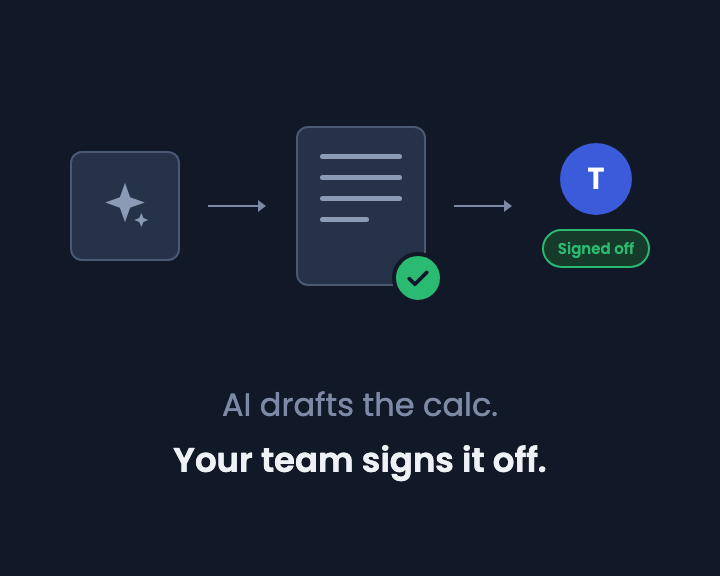
In the video that new check was drafted by CalcTree AI, and the review works the same either way (we cover why that matters in AI drafts the calc. Your team signs it off.).
A few guard rails
- You can't review your own request. A second person has to look at it.
- Only the person who asked for the review, the page's creator or a workspace admin can pause or re-send it.
- A paused review can't be approved until it is sent again.
What it is and isn't
Page reviews give you a clear record of who reviewed what, and when, on the page itself. They are not a QA system on their own, and how they fit your own procedures is your call. Approval also doesn't freeze the page for good. That is deliberate: the protection is the "Edited since approval" flag, not a locked file.
Try it
Page reviews are rolling out now. To see them on a real calc, open a copy of the flow net page in your own workspace and add a colleague as a reviewer. You can read more about the calc itself on the flow net calculator page.
If you'd like to talk through how this fits your team's checking process, book a call.
%20(1).jpg)
.jpg)
.png)



