By Adam Drag
At CalcTree, AI agents now do most of our development work. Some agents plan, some write code, some review it, and some only ask hard questions. Several of them work on different jobs at the same time.
The system is called Triglav. Adam Drag, one of our engineers, built it at CalcTree to run our own development, and the code is public on GitHub.
Same idea as CalcTree
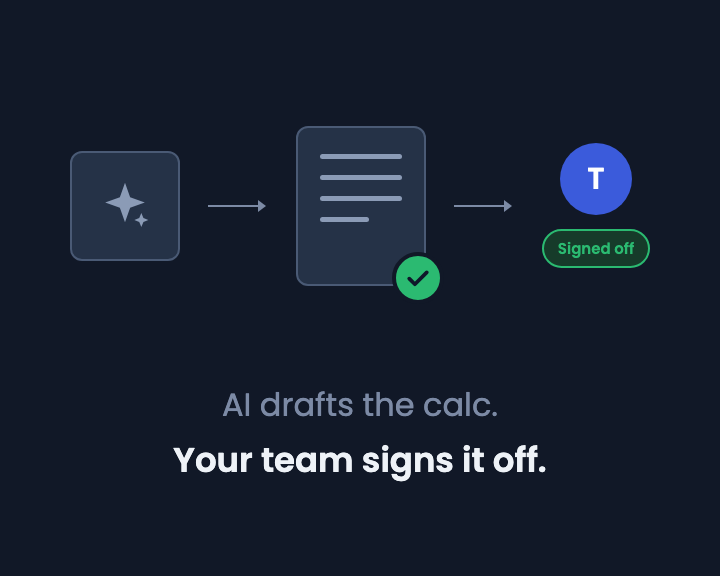
We recently wrote about AI drafting calcs while your team signs them off. AI is fast at drafting, but someone still has to check the work and stand behind it.
We build our software the same way:
- AI agents write the code.
- Other agents check it, and they can only read it, not change it.
- When the agents are unsure, they discuss it with each other first.
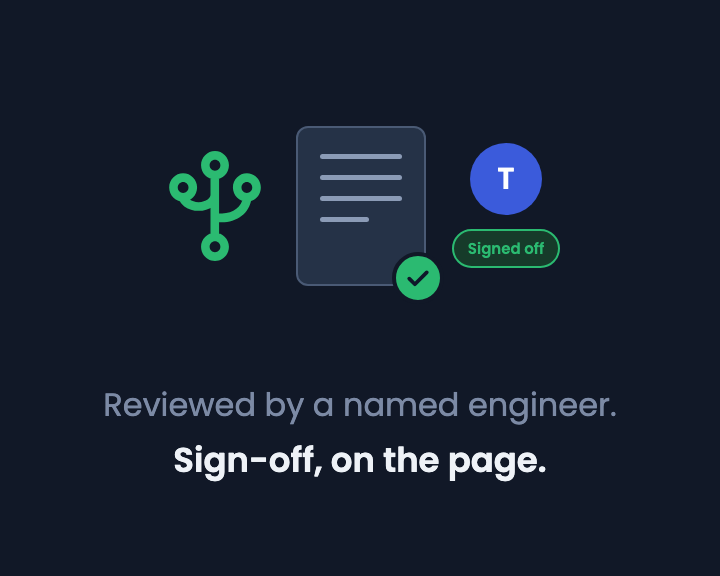
- A person makes the final call. Merging and releasing code is always a person's decision.
It works like a calc with a designer, a checker and an engineer who signs it off.
Agents check each other
In one job an agent decided to fix a small bug. Another agent challenged it: the fix would change how errors are shown. The first agent checked again, found the code wasn't used anymore, and changed its decision. Nobody on our team had to step in.
It doesn't always go that well. Two agents can agree on something wrong, and that's why a person still signs off. Every question, answer and decision is kept, so we can always see why something was done.
Why we work this way
We ask engineers to trust a workflow where AI drafts and people sign off. It would be odd not to work that way ourselves. Triglav is now how the CalcTree team builds, and the habits it enforces (a separate checker, a record of every decision, a person accountable for the release) are the same ones we're building into page reviews for engineering calcs.