There are few worse feelings in engineering than opening a calculation you spent days on years ago and finding your software can't read it. No worksheet, no working, no record of how you got to a result you might still be relying on.
It's a common problem with Mathcad, and worth understanding, because the fix is partly recovery and partly making sure it never happens again.
Why old Mathcad files stop opening
A few culprits, and they often stack.
The biggest is the Mathcad 15 to Prime jump. Prime uses a different file format, and its converter struggles with anything beyond a simple worksheet. Complex sheets come across riddled with errors, and sometimes content just doesn't survive the trip. We cover what changed in Mathcad Prime vs Mathcad 15.
The format has also changed more than once over Mathcad's long life. Worksheets from the really old versions, Mathcad 2000 and similar, may not open in current software at all without going through intermediate steps. If you're sitting on decades of archived work, you're the most exposed.
Then there are the brittle links. Loads of Mathcad worksheets pull data from external spreadsheets, and those links break easily. A file that technically opens can still be useless if the data it depends on has moved or the link no longer resolves.
How to recover what you can
If you're locked out right now, try these.
Find a machine running the original version. The most reliable way to open an old worksheet is the software that made it. Plenty of engineers deliberately keep an old install or an old laptop alive for exactly this.
Use intermediate versions as stepping stones. Sometimes a file that won't jump straight to the current version will open in one in between, which you can then save forward.
Run the Prime converter, but expect cleanup. For Mathcad 15 files it'll get you part of the way. Budget time to fix the errors rather than hoping for a clean result.
Check for PDF copies. Cold comfort if you don't have them, but if you ever exported a worksheet to PDF, you at least have the working, even if it isn't live.
How to make sure it never happens again
Recovery is the short game. The long game is not building your archive on a foundation that can lock you out.
The lesson engineers keep learning the hard way: a proprietary, version-fragile file format is a long-term liability. The calculations you produce stay valuable for years. The tool you produce them in shouldn't be able to strand them.
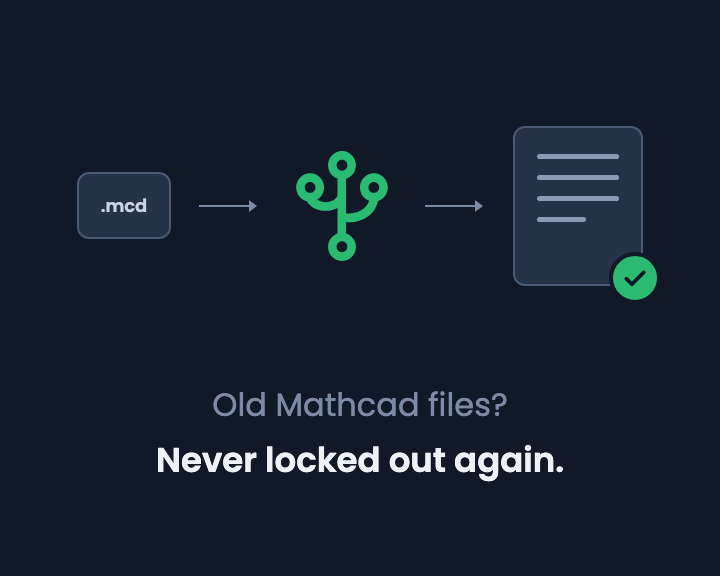
That's a big reason CalcTree works the way it does. A CalcTree page isn't a proprietary file at all. It's Markdown and Python, two open formats used across the software world, so the maths, the working and the code are all plain text. Export any page as an MDX file and you get the Markdown and the Python together, portable to other tools and readable in any text editor years from now, with or without CalcTree. Nothing is trapped behind a file version a future upgrade can break. You can open, share, and trace your work without keeping a museum of old laptops alive, and your archive stays yours. If you're ready to move your Mathcad work somewhere it won't get locked away again, we've got a guide on bringing your files across.
Moving off Mathcad 15? Re-save your .xmcd worksheets as .mcdx in Mathcad Prime, then import them into CalcTree as live calcs. Here is how the converter works, or send us a Mathcad file and we'll convert it for you.
Being locked out of your own work is a problem you should only have to solve once. Recover this batch, then move your calculations somewhere it can't happen again.