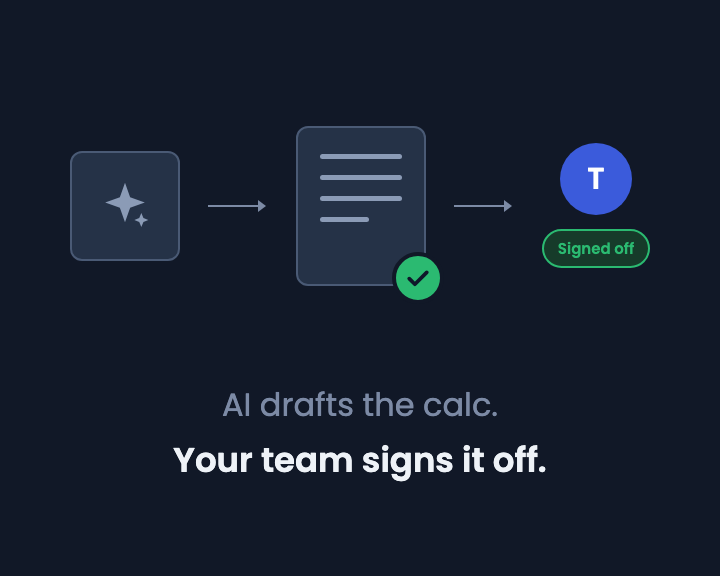
AI can draft an engineering calc in minutes. Ask for a pad footing to AS 3600 and you will get one: material properties, capacity factors, bearing, bending, all written out. That is genuinely useful.
But you can't trust it yet. Every draft is a fresh derivation of maths your team has already written and checked many times over, and the reviewer has to read every line of it again, including the concrete properties and the capacity reduction factors. Checking the draft eats the time the AI saved.
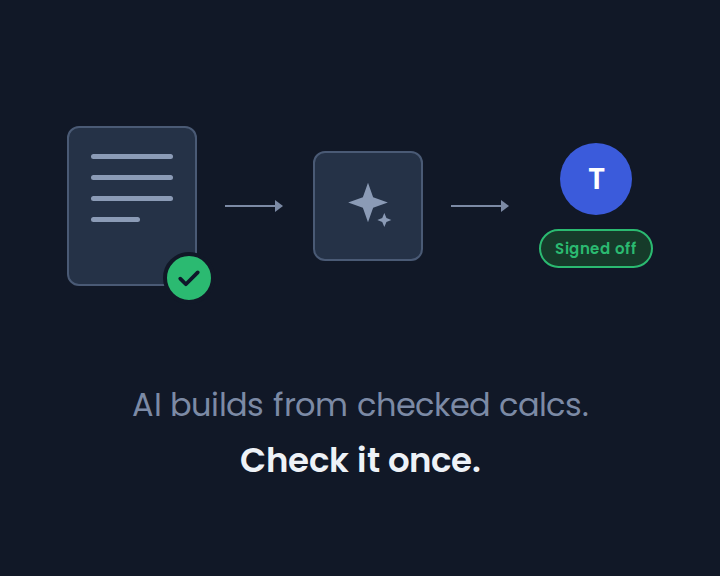
There is a better way to build an AI draft: out of calcs your team has already checked.
Software already solved this
Software teams went through this first. AI made writing code cheap, and review became the bottleneck. But software teams don't rewrite their libraries for every project, and they don't ask an AI to either. They import a tested, versioned package, and review the code that is actually new.
Structural and civil engineering has always had the equivalent of a library: the standard calcs every office repeats. What it hasn't had is a way to use one without copying it. In a spreadsheet, reuse means pasting, and a pasted calc stops being the checked one the moment anyone touches it.
How it fits together in CalcTree
- Your team checks a calc once, with page reviews, so it carries a named sign-off.
- That checked calc goes into your workspace template library, alongside CalcTree's built-in templates.
- Reference templates pull it into any page as a live block, like a subroutine, pinned to the version that was reviewed.
- An engineer, or CalcTree AI, assembles new calcs from those verified building blocks.
The first three steps are how good offices have always wanted to work. The fourth is what makes them matter now.
AI that builds from your templates
Ask CalcTree AI for a calc and it searches your team's template library and CalcTree's built-ins for checked templates that fit. It adds them to the page as reference templates, links their inputs to the page's values, then writes the rest of the calc around them.
The draft that comes back has two kinds of content in it:
- Referenced templates, which are your team's own checked calcs at a known, published version. Each one shows which version it runs.
- New working, specific to this job, which is what the AI actually wrote.
That split changes what review means. The reviewer's attention goes where it is needed: the new working, the values passed into each template, and whether the right templates were used at all.
People still sign it off
This isn't the AI checking anything. The AI picks and wires up templates; it doesn't decide that they are right for the job, and it never approves a calc. Once the draft is done, the author asks a colleague to review it with page reviews: the reviewer comments on the working, and approves it or sends it back, against the exact version they checked. We covered that in AI drafts the calc. Your team signs it off.
What reference templates add is that the reviewer is no longer re-reading the parts that were checked last time, and the time before that. With the blocks already verified, the review only has to cover what's new.
What a template library is worth now
Before AI, a library of checked templates saved you some typing. With AI drafting, it decides whether a draft is something your team can trust quickly or something that has to be read line by line. The templates are the part of the calc your team has already stood behind.
So the work worth doing is the same work good offices have always done: write the standard calcs carefully, check them, and keep them current. The difference is that they no longer have to be copied to be used, by people or by AI. (For how references work in detail, see Template references: reuse a calc without copying it.)
Try it
Open a copy of the seepage page in your own workspace and see how its Lane's weighted creep ratio check is added as a reference template. Then ask CalcTree AI to build a calc from your own templates.
If you'd like to talk through what a template library could look like for your team, book a call.