
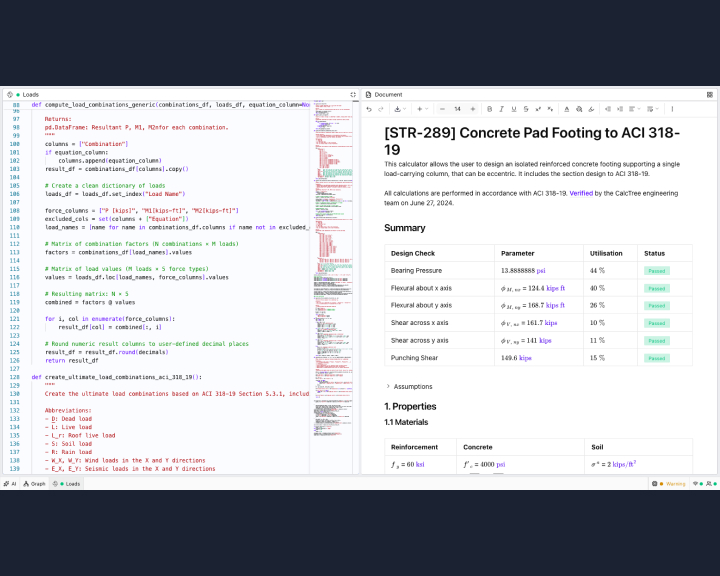
The Problem: The "Tab-Switching" Tax
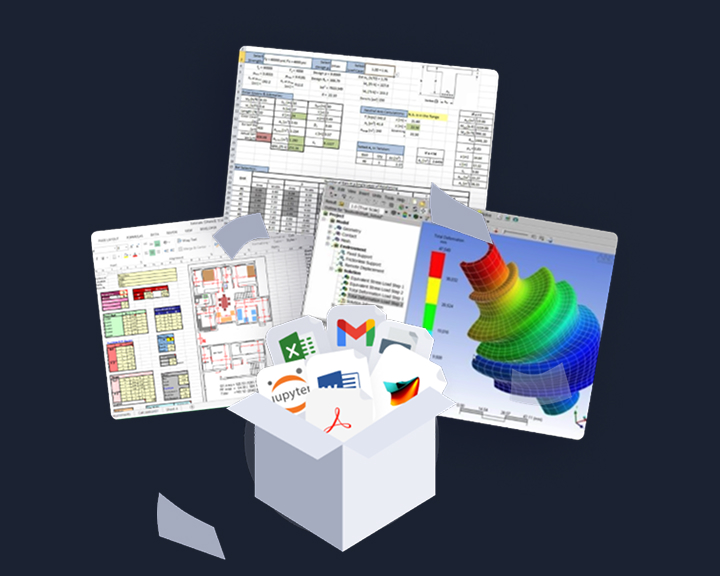
For most engineers, verifying a calculation included in an engineering report involves a constant mental "reload" as they switch between the source logic (Excel/Python) and the final report. This friction increases the likelihood of missing errors and slows down the peer-review process. Engineers shouldn't have to waste time hunting for the logic behind a result due to limitations of tooling used.
The Solution: Mosaic View
Mosaic View is a layout update to the CalcTree workspace. It introduces a snap-to-grid interface that lets you move and resize windows within the app to create a side-by-side view of your work.
.gif)
Key Capabilities
- Logic-to-Result Transparency: Position a script window directly next to a report window. Verify the relationship between variables and outputs immediately as you make changes.
- Optimized Screen Real Estate: Focus on the data that matters. Expand your code editor for deep work, or maximize the report view for final reviews.
- Zero-Overlap Grid: Windows snap into place, ensuring no data is hidden behind floating menus or overlapping windows.
Why it Matters for Auditing
When the logic and the result live in the same field of view, the audit trail is visible rather than buried. This layout supports greater transparency, making it easier for both the author and the reviewer to follow the calculation flow without losing context.
Mosaic View is now live for all users.





